
Build a plugin
A plugin is a folder with a manifest.yml that adds something to PotionUI without changing its core: a provider, a backend, a pipe, a page, a chat tool. This guide builds a small working plugin, then covers the rules every plugin follows and how to test and ship one.
On this page
Plugin code runs inside the PotionUI server process, with the same rights as the application: it can read the database, the files PotionUI can read and every setting. Install only plugins whose code you have read or whose author you trust.
What a plugin can add#
Almost every part of PotionUI is open to plugins. Each kind of contribution is a section of the manifest; the Plugin API reference shows the manifest entry for each, for example the plugin category and the settings form.
| To add | Declare | Where it shows |
|---|---|---|
| Model marketplace (a provider) | A provider.register hook | Model downloads and metadata; see Models, providers and cloud models |
| An engine or backend | A backend.register hook; hosted models through register_cloud_provider | Administration, Backends |
| A generation step (a pipe) | pipes: | Any preset's pipeline; see Write a pipe |
| Presets, modes, form fields on existing modes | presets:, preset_modes:, preset_extensions: | The Preset and Mode menus |
| A form field type | field_types: | Any preset form |
| Chat modes and tools | chat_modes:, tools:, resources: | The PotionAI assistant |
| An LLM provider type | llm_providers: | Administration, LLM / Assistant |
| Recipes and recipe step kinds | recipes:, recipe_steps: | Setup and Administration, Recipes |
| Automation nodes and templates | automation_nodes:, automation_templates: | Automations |
| Samplers and sigma schedules | samplers:, schedules: | Sampler and schedule fields of native presets |
| Media tools, photo filters and video effects | media_tools:, filters:, filter_ops:, effects: | The editors and media tools |
| Pages, sidebar entries, admin tabs, tool tabs, quick actions, sidebar widgets | pages:, sidebar:, admin_tabs:, tool_tabs:, quick_actions:, sidebar_widgets: | The app's frame; see Plugin frontends |
| HTTP routes | api: | Under /api/plugins/<plugin id>/ |
| Reactions to events | hooks: | Runs when the event happens; the hook catalog lists them |
| Settings and setup checks | settings:, setup: | The plugin's page in Administration, Plugins |
| Documentation pages | docs: | Administration, Documentation |
Login providers, plan limit kinds, model classifiers and types, prompt importers, Auto-organize conditions and actions, and phrasebook batch tools are open the same way; the Plugin API reference covers each.
The plugin folder#
A plugin lives in its own folder under one of two roots, each scanned the same way:
content/plugins/local/<folder>/for your own plugins. Ignored by git. When a plugin id exists in both roots, the local copy wins.content/plugins/marketplace/<folder>/for the plugins PotionUI ships.
The only required file is manifest.yml. Python modules sit wherever the manifest points; most plugins keep them under backend/. Frontend code lives in frontend/src/ and its build in frontend/dist/. Tests go in tests/.
Your first plugin#
The example counts finished generations by status since the server started and returns the counts from a route. It uses a hook, a route and a setting, the three pieces most plugins have.
-
Write the manifest
Create
content/plugins/local/run-counter/manifest.yml.id,name,version,description,authorandtypeare required; any key the schema does not know is rejected.YAMLrun-counter/manifest.ymlid: "run-counter" name: "Run Counter" version: "0.1.0" description: "Counts finished generations by status since the server started" author: "Your name" type: "backend-only" category: "monitoring" api: module: "backend/api.py" hooks: backend: - hook: "generation.after_complete" handler: "backend.hooks.on_after_complete" settings: - name: "count_cancelled" type: "boolean" label: "Count cancelled runs" description: "Include generations that were cancelled" default: falsetypeisfrontend-only,backend-onlyorfull-stack.categorydecides the group the plugin appears under:backends,sources,steps,tools,security,monitoring,developerorother(the default). A handler is writtenmodule.path.function, relative to the plugin folder. -
Write the hook handler
Keep shared state in its own module so the hook and the route import the same object.
PYrun-counter/backend/store.pyfrom collections import Counter counts: Counter = Counter()
PYrun-counter/backend/hooks.pyfrom src.plugin_api import HookContext, plugin_settings from .store import counts PLUGIN_ID = "run-counter" def on_after_complete(context: HookContext) -> HookContext: status = context.data.get("status") if status == "cancelled" and not plugin_settings(PLUGIN_ID)["count_cancelled"]: return context counts[status] += 1 return contextHook handlers are synchronous: an
async defhandler is refused when it is registered. Always return the context you were given.generation.after_completefires when a generation ends ascompleted,failedorcancelled, withgeneration_id,status,duration,preset_idanduser_idincontext.data. -
Write the route
PYrun-counter/backend/api.pyfrom fastapi import APIRouter, Depends from src.plugin_api import User, get_current_active_user from .store import counts router = APIRouter(prefix="/api/plugins/run-counter", tags=["Run Counter"]) @router.get("/counts") async def get_counts(user: User = Depends(get_current_active_user)): return {"success": True, "data": dict(counts)}The module named by
api.modulemust exposerouter(and may exposews_routerfor WebSockets). Keep every route under/api/plugins/<plugin id>; PotionUI logs a warning for a router that is not. To limit a route to administrators, checkuser.account_type != AccountType.ADMINand answer403. -
Scan and enable it
Open Administration, Plugins and choose Scan for plugins. Select Run Counter and switch it on.
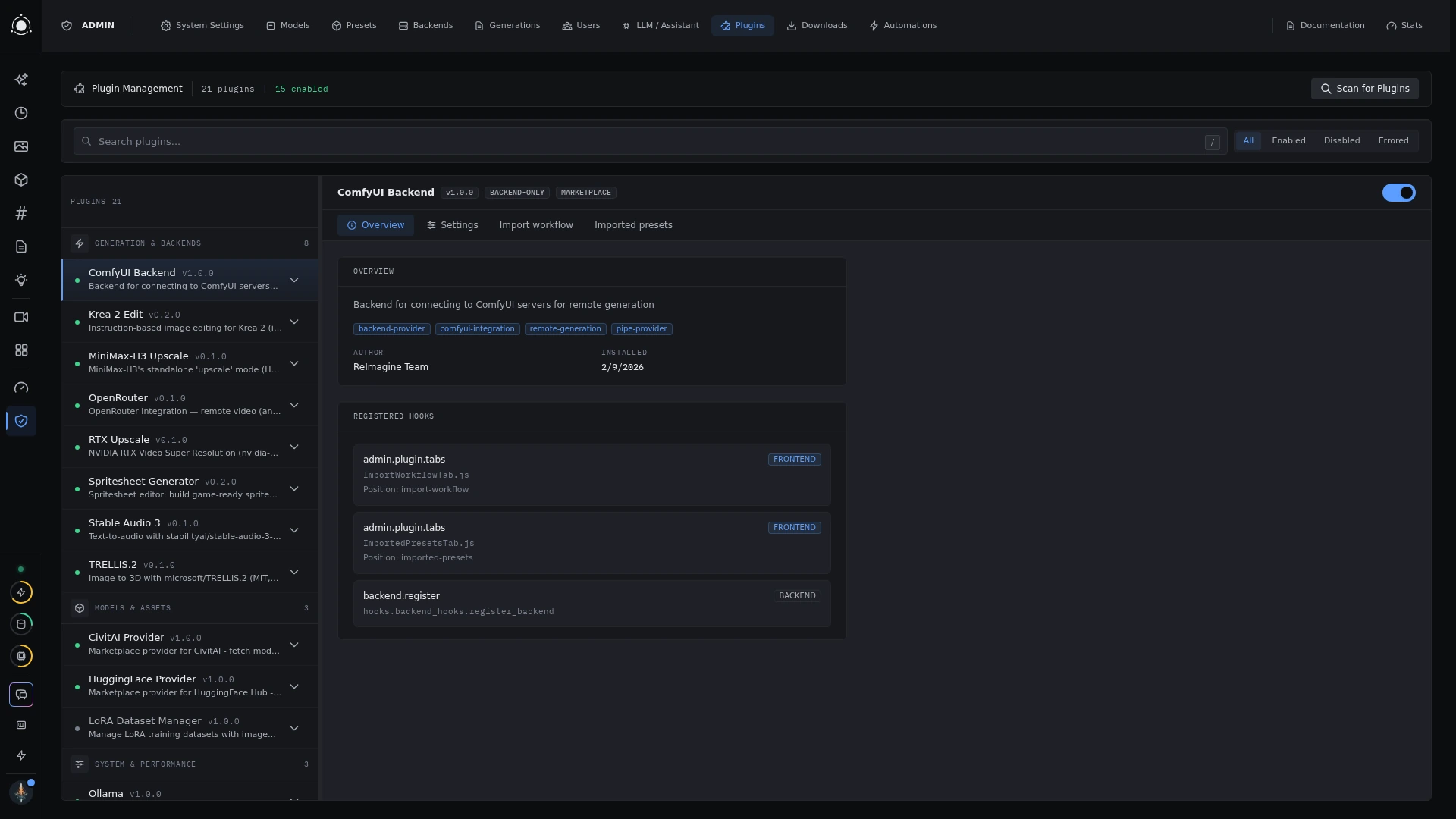
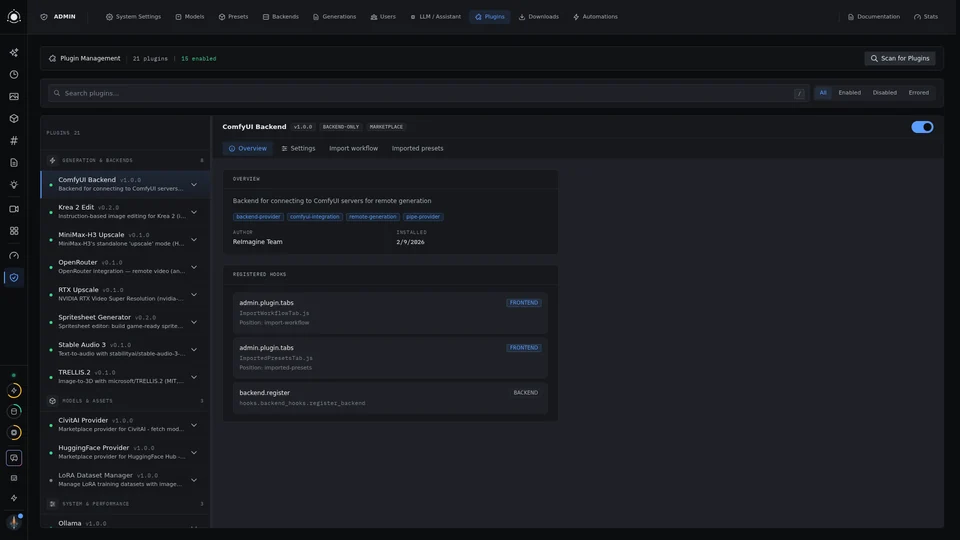 Plugin management
A plugin open in Administration, Plugins, with its enable switch, its tabs and the hooks it registers. What you will seeRun Counter under Monitoring, with an Overview tab and a Settings tab holding Count cancelled runs. Its registered hook is listed under Technical details. A manifest that does not validate shows Invalid manifest with the reason and cannot be enabled.
-
Try it
Generate something, then ask the route, logged in as any user:
GET/api/plugins/run-counter/countscurl http://localhost:26730/api/plugins/run-counter/counts \ -H "Authorization: Bearer $TOKEN"
200response{"success": true, "data": {"completed": 1}}
Import only from src.plugin_api#
A plugin's Python imports from src.plugin_api and nothing else under src/. Everything else is internal: it is renamed and moved without notice, and a plugin that imports it fails to load in someone else's installation. A name exported from src.plugin_api is not removed or changed in meaning without a deprecation first. If something you need is missing, that is a gap in the API: ask for it to be exported rather than importing around it.
Names are grouped in modules (src.plugin_api.pipes, .hooks, .providers, .backends, .chat, .presets, .storage and more), and every name can also be imported from src.plugin_api itself. Two rules about timing:
- Import
dbinside the function that uses it, never at the top of a module, so your code always reads the current database handle. - Call
get_container()inside the function that needs the app's managers, never at import time: the container does not exist yet while your module loads.
Lifecycle: boot, ready, enable, disable#
Four hooks follow a plugin's own life. Declare them like any other backend hook.
| Hook | Fires |
|---|---|
plugin.lifecycle.boot | Once per process for every enabled plugin: at startup, and right after an admin enables it. |
plugin.lifecycle.ready | Once per process, once the event loop runs. The first point where run_on_app_loop() works, for background work. |
plugin.lifecycle.enable | Only when an admin switches a plugin from disabled to enabled, never at startup. |
plugin.lifecycle.disable | Once whenever an enabled plugin is torn down: disabled, uninstalled, reloaded, or its folder changed or gone. |
Put per-process setup, such as creating your tables, in boot and make it safe to run again. enable does not fire after a restart, so setup done only there stops happening after the first restart. boot and ready go only to your own handler; enable and disable go to every enabled plugin, so check context.get("plugin_id"). A handler that raises is logged and skipped and cannot block startup. Cancel background work started in ready from disable.
Settings#
Each settings: entry has a name, a type (string, number, boolean or select with options) and a label, and may add description, required, default, min and max. is_secret: true stores the value encrypted, masks it in every response and shows a password field. An entry of type info shows a notice instead of an input, with an optional link.
Read your settings with plugin_settings("<plugin id>"): one dictionary with each stored value, credentials decrypted, or the manifest default. Values come back typed, and a number outside min or max is clamped. Credentials belong in your own settings; never read another plugin's.
If the plugin needs Python packages or programs, list them under dependencies: (python: and binaries:). Enabling fails with Missing dependencies while one cannot be imported or found. When admins must finish something after enabling, setup: checks show the plugin as Setup needed with the next step.
Presets, modes and recipes from a plugin#
presets: [{path: "presets"}]ships whole presets, scanned like the core tree while the plugin is enabled. Presets that only work with your plugin belong here.preset_modes:adds modes to a preset you do not own, by its id.preset_extensions:adds fields, pipes and prompt resources to existing modes. An extension is all or nothing; a conflict rejects it and the preset loads unchanged. A target preset that is not installed is skipped without an error.recipes:ships recipes;recipe_steps:adds step kinds.
Preview a preset with your plugin applied: python scripts/preset_render.py <preset id> <mode> --plugin-dir content/plugins/local/<folder>.
Test a plugin#
Put tests in the plugin's own tests/ folder and run them from the repository root. Test your handlers and pipes as plain Python: build the input, call the function, check the result.
import sys
from pathlib import Path

sys.path.insert(0, str(Path(__file__).resolve().parents[1]))

from backend import hooks  # noqa: E402
from src.plugin_api import HookContext  # noqa: E402


def finished(status):
    return HookContext(hook_name="generation.after_complete", plugin_id="system",
                       data={"generation_id": "g1", "status": status})


def test_cancelled_runs_are_skipped_by_default(monkeypatch):
    monkeypatch.setattr(hooks, "plugin_settings", lambda plugin_id: {"count_cancelled": False})
    hooks.counts.clear()
    hooks.on_after_complete(finished("cancelled"))
    hooks.on_after_complete(finished("completed"))
assert dict(hooks.counts) == {"completed": 1}python -m pytest content/plugins/local/run-counter/tests -q --no-cov
Run each plugin's tests in its own pytest run: plugins that ship a top-level backend package would otherwise claim the same module name. The shipped plugins' suites run one process per plugin with python tests/plugins/run_suites.py -q --no-cov. For hosted-model providers, src.plugin_api.cloud_testing provides a fake provider and a contract checker. For tests that need a database, scratch_database and use_database from src.plugin_api give your test a new database in a file you name, with the core tables in it, and refuse the application's own database file. There is no other general plugin test kit in 0.3.0.
Ship it#
-
Build the frontend, if any
Rebuild
frontend/dist/in release mode and include it; see Plugin frontends. -
Copy the folder
On the other instance, place the folder under
content/plugins/local/, then choose Scan for plugins in Administration, Plugins and switch it on. Plugins are off until an admin enables them.default_enabled: truein the manifest enables a plugin the first time an instance finds it; after that, the admin's choice stands. -
Say what it needs
List required packages under
dependencies:, the steps admins must take undersetup:, and add a README throughdocs:so it appears in Administration, Documentation.
Plugins that ship with PotionUI#
These plugins are in content/plugins/marketplace/. Each is switched on in Administration, Plugins, and each is also a working example to read.
| Plugin | What it adds |
|---|---|
| A1111 Metadata Export | Exports generations as PNGs with A1111 and Forge style parameters, readable by A1111, Forge, CivitAI and PNG info tools. |
| Black Forest Labs | A cloud backend for the FLUX models hosted by Black Forest Labs, its model catalog and an image preset. |
| CivitAI Provider | Model metadata, preview images and download links from CivitAI. An optional CivitAI API Key allows signed-in requests. |
| ComfyUI Backend | The comfyui engine and pipe, five ComfyUI presets, the Detect ComfyUI recipe, the workflow import wizard and a Clear VRAM quick action. See ComfyUI presets and workflow import. |
| DeepSeek | A DeepSeek type in Administration, LLM / Assistant, for the assistant and every LLM feature. |
| Example Field Type | A one-to-five-star form field: the reference for a plugin field type. |
| Example Frontend Extensions | A sample History artifact renderer and an admin tab: the reference for renderers and extension slots. |
| Google Gemini | A cloud backend for Google's hosted image and video models through the Gemini API, with image and video presets. |
| HuggingFace Provider | Searches public models and resolves repository files into downloads. Enabled by default. Gated or private files need a HuggingFace Access Token with access to the repository; accept the model's terms on Hugging Face first. |
| Image Modal Viewer | Opens generated images full screen with zoom and pan. |
| Model Browser | Browse and download models from CivitAI, Hugging Face and OpenModelDB, with per-group permissions and monthly download limits. |
| NVIDIA RTX Upscale | Upscale, denoise and deblur images and video with NVIDIA RTX Video Super Resolution, as a pipe and the RTX Upscale preset. Needs an NVIDIA RTX GPU (Turing or newer), a Linux driver 570.190 or newer and the nvidia-vfx package; the preset's requirements report it until it is installed. |
| OpenID Connect Login | Sign-in through any OpenID Connect issuer, such as Authentik, Keycloak, Zitadel, Auth0 or Entra ID. |
| Ollama | Frees GPU memory held by an Ollama daemon: the admin-only Clear Ollama VRAM quick action and an Unload Ollama Model(s) automation action. Set Ollama Host URL in its settings. |
| OpenAI | A cloud backend for OpenAI's GPT Image models, its model catalog and an image preset. |
| OpenRouter | A cloud backend for hosted image and video models through OpenRouter, with image and video presets. |
| RunPod Provider | Provisions a RunPod GPU Pod running the Remote Native worker, from Administration, Remote Compute. |
| System Monitor | Live GPU, RAM and CPU use in the sidebar. Its Visible to setting chooses admins only or everyone. |