
Organize
Workspaces & sessions
Leave an idea open. Come back with a fresh eye.
Keep ideas side by side
Each workspace tab holds its own preset, mode, prompt composition, form values, and results. Add a tab with the plus button and switch between ideas without replacing their setups. Tabs are remembered between visits.
Save a setup by name
Use a session to save the whole creative setup: preset, mode, prompts, and form values. Name sessions for a direction you want to return to, such as “Product / daylight” or “Launch film.” Restore one when you want to continue that setup.
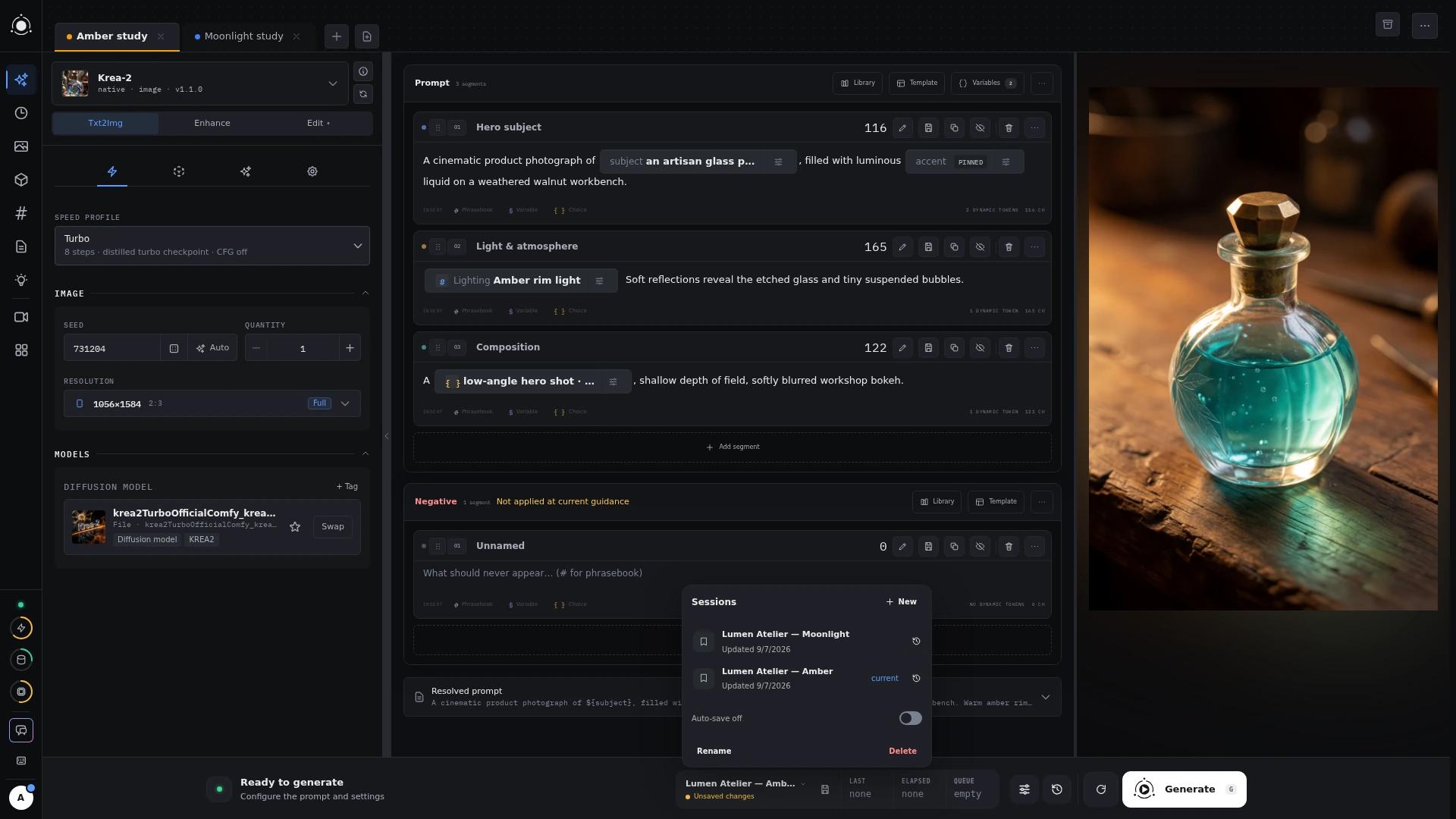 Saved generation sessions
Choose what you want to keep.
A Prompt saves composition. A Session saves the generation setup. History keeps the actual run and its recorded result.