
Make it yours
Studio administration
One installation. The right tools for each person.
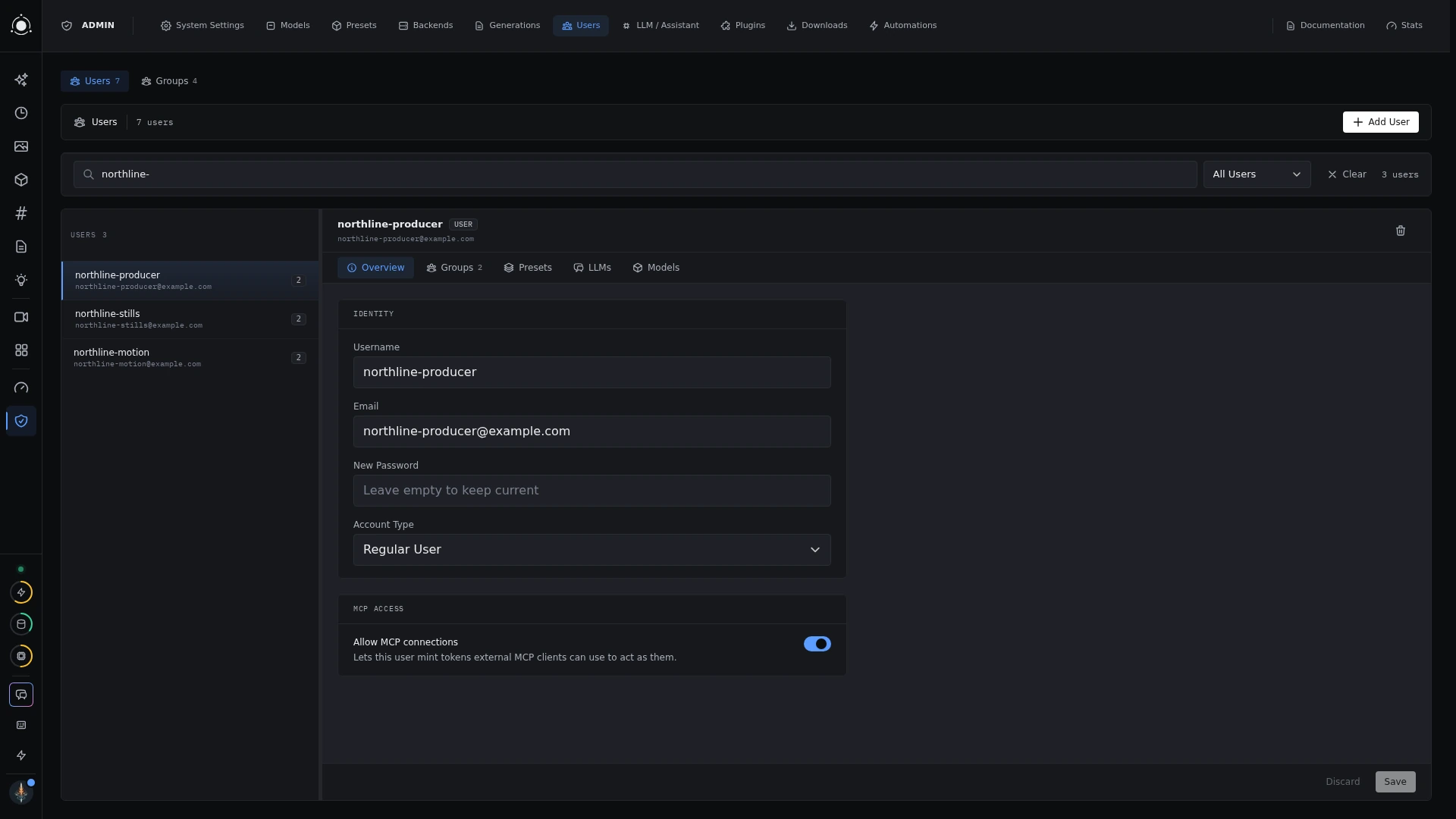 Users and access
Manage people and access
Administrators create accounts, set roles, and organize people into groups. Assign presets, model access, and assistant configurations to individuals or groups. A shared group makes it easier to give a team the same tools.
Regular users see the resources assigned to them. Administration is available to accounts with admin rights. The exact features a person sees also depend on enabled plugins and server configuration.
Maintain the installation
- Presets: install tools, manage access, and customize form defaults and visibility.
- Models & backends: manage files, downloads, compute connections, and device options.
- LLM configuration: connect supported providers or native checkpoints, then assign access.
- System settings: configure storage, thumbnail profiles, housekeeping, and backups.
Administration → Recipes provides guided setup recipes for installing model families, reviewing downloads, and checking the resulting pipeline.
Back up your studio
Use Administration → System Settings → Backups to configure backup options and run a backup. Restoration is a command-line task with the app stopped. Check the backup guide for what each tier includes, model-file handling, and restoring onto a fresh installation.