
Compose
Variables & choices
Keep a detail consistent, or leave room for a useful surprise.
Define a detail once
Variables are named values scoped to a Generate tab. Put a repeated product description in a variable, then insert its chip wherever you need that description. Updating the variable changes what those references resolve to.
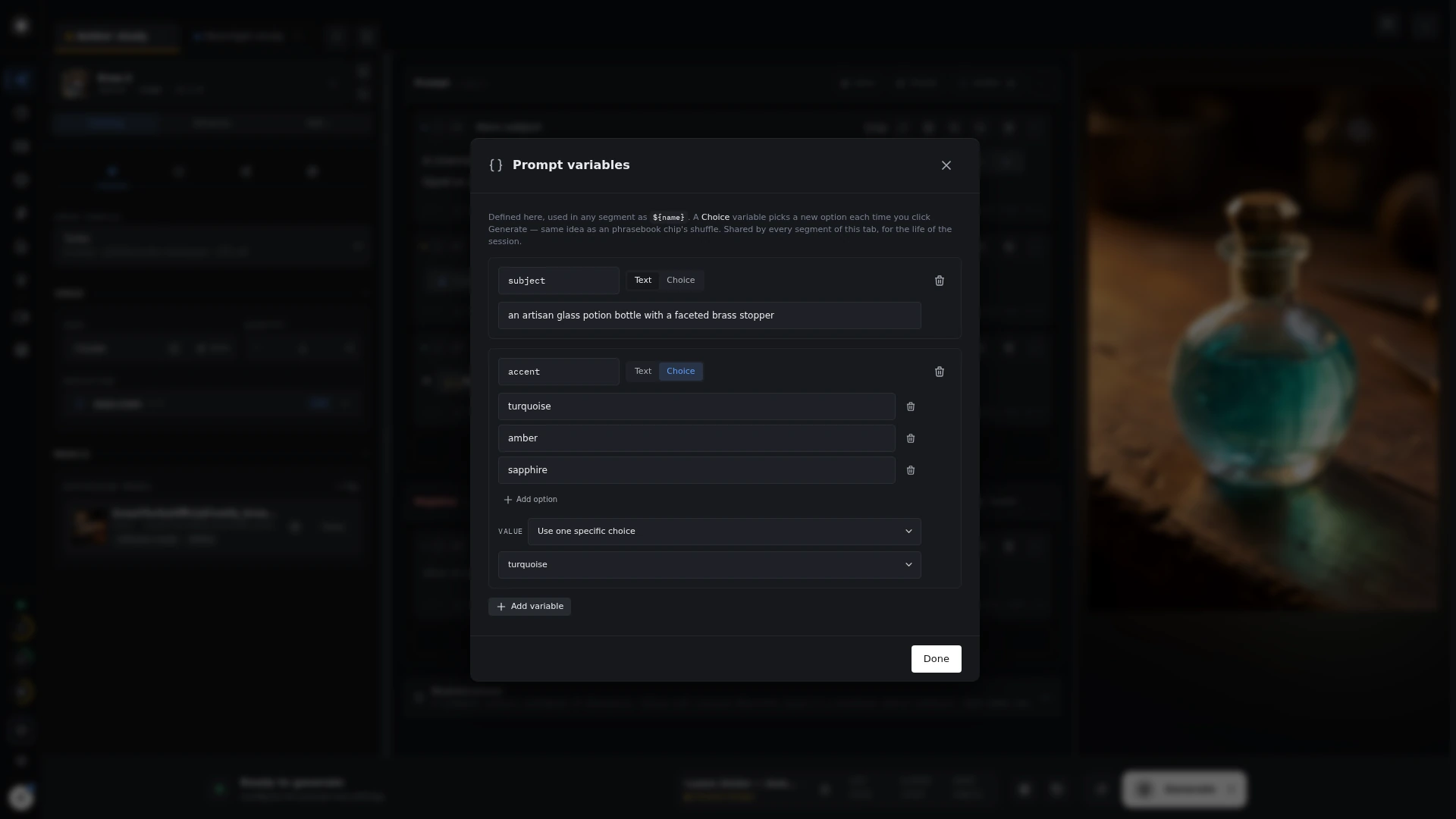 Prompt variables
Explore alternatives
Choice chips select from alternatives, including weighted choices and multiple selections. The editor manages these as chips; the underlying syntax also works when importing or copying prompts.
Prompt syntax · examples
${product} in {daylight|moonlight}
{0.7::warm light|0.3::cool light}
In the first example, ${product} inserts a defined variable and the choice supplies one lighting direction. The second example gives warm light a higher selection weight. Check variable names: an undefined variable resolves to empty text.