
Make it yours
Models & backends
Choose the tools. Choose where the work happens.
The architecture infographic shows how a request reaches native or ComfyUI compute and returns to the same gallery.
Know what’s installed
Models is the inventory of actual model files: base checkpoints, LoRAs, text encoders, VAEs, and upscalers. Filter by type, tag, or name. Open a model to inspect its size, details, previews, and generations made with it.
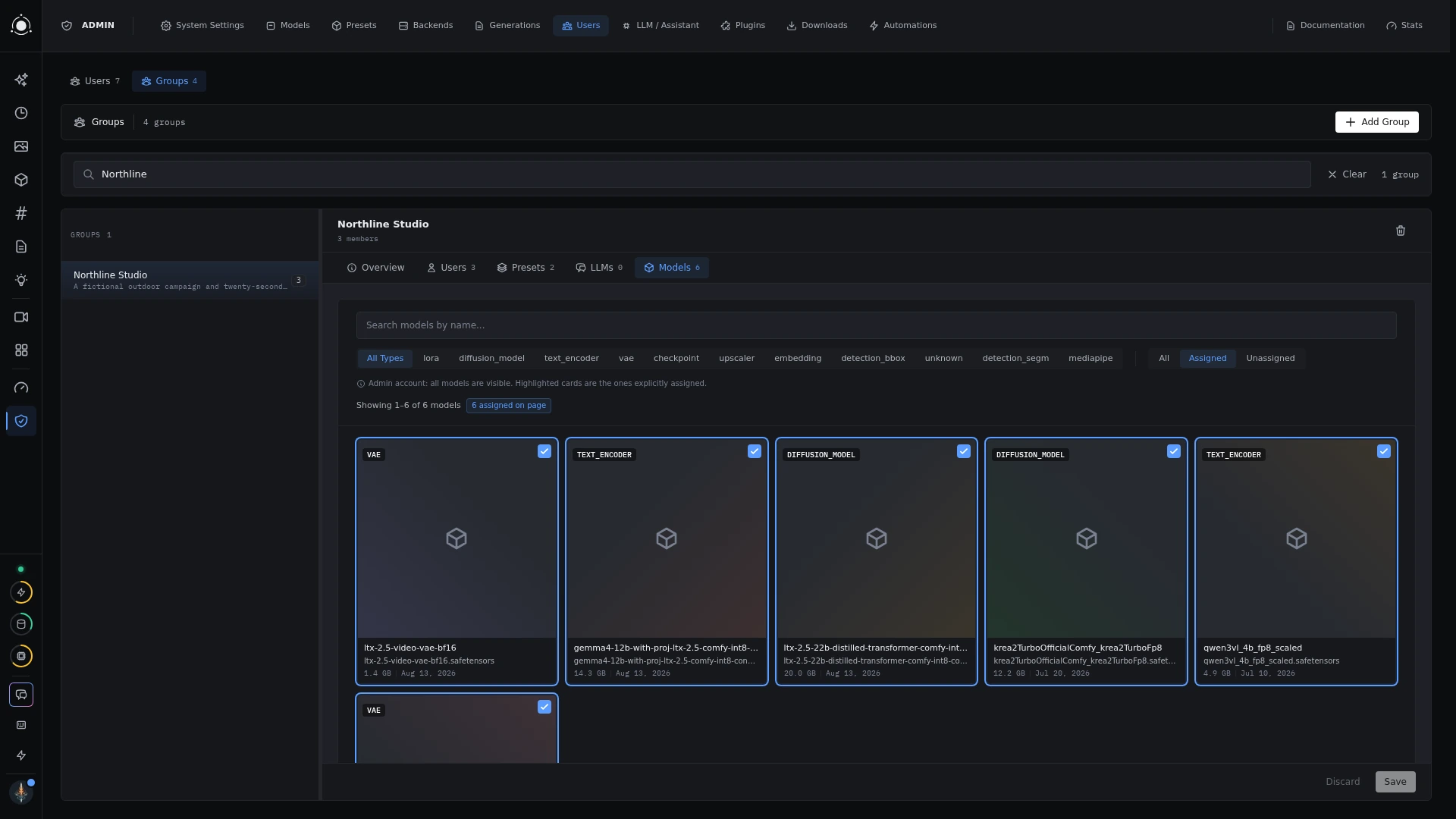
A preset’s model pickers show compatible files available to your account. Administrators manage downloads and assignments. Provider plugins can add metadata and download links from external catalogs.
 Model management
Use the folders you already have
Models live in one or more folders you choose, in the setup wizard or under Admin → Models → Folders. Point PotionUI at an existing ComfyUI or A1111 folder, an external drive, or any other folder, and it reads the models where they are. Nothing is copied or linked, and Windows paths work. Folder names are recognized in any letter case, and also inside a models subfolder.
- Several folders. Add as many as you like. When the same model is in more than one, you choose which folder wins for each model type.
- A download folder per type. Each model type picks where new downloads go. If a type has no folder PotionUI can write to, the download dialog tells you.
- Read-only folders. Mark a folder read-only to use its models without ever writing to it. You can also reorder, relink, or remove folders.
- Offline folders. If a folder is unavailable, a generation that needs it fails and names the folder instead of quietly using something else.
Folders that were symlinked in earlier versions are converted automatically on first start, and downloads keep going to the same external drive.
Indexing your models
After you add or change a folder, PotionUI indexes it. Indexing runs one folder at a time and shows live progress in the setup wizard, Admin → Models, and Admin → Backends. On Backends, each row also offers Test connection, Index models, and Make default. If PotionUI restarts mid-index, it finishes the job on the next start.
When indexing ends, the summary lists what it set aside: copies of the same file, with the file that was kept; models found in more than one folder; and name conflicts. Existing hashes are reused, so files are not re-read.
Connect the compute
An engine is the kind of pipeline a preset runs. A backend is a configured place that runs that engine. Native presets can run locally or on a compatible remote native worker; ComfyUI presets require a configured ComfyUI server.
Administrators configure and enable backends, connection details, and applicable device settings. A preset needs a backend that speaks its engine’s protocol. A remote setup lets the browser-facing studio and GPU worker live on different machines.
Memory needs vary by model, resolution, and workflow. Weights download separately and carry their own licenses. Use the hardware guide for model-specific requirements and validation status.